██╗ ██████╗ ██████╗ █████╗ ██████╗ ███████╗ ██║ ██╔═══██╗██╔════╝ ██╔══██╗ ██╔════╝ ██╔════╝ ██║ ██║ ██║██║ ███╗ ███████║ ██║ █████╗ ██║ ██║ ██║██║ ██║ ██╔══██║ ██║ ██╔══╝ ███████╗╚██████╔╝╚██████╔╝ ██║ ██║ ╚██████╗ ███████╗ ╚══════╝ ╚═════╝ ╚═════╝ ╚═╝ ╚═╝ ╚═════╝ ╚══════╝
Point LogAce at a file, archive, SSH target, container, or stream and start moving through it. Keep filters, bookmarks, layout, and sessions with the log so the next pass starts where the last one ended.
# open the release DMG Open LogAce-*.dmg Drag LogAce.app to Applications Launch LogAce once # optional: from the app menu LogAce > Install Command Line Tool... # then pipe a macOS log stream straight in /usr/bin/log stream --style ndjson \ --level info | logace
Open the log from wherever you found it: disk, archive, SSH, Docker, kubectl, CloudWatch, Azure, GCP, syslog, stdin, Android logcat, iOS simulator, or the host macOS unified log. Pick it from the UI or pass the same source on the CLI; LogAce chooses a sensible parser and keeps your place for next time.
┌──────┐ │ ░░░░ │ │ ░░░░ │ └──────┘
┌──────┐ │ ssh> │ │ log │ └──────┘
│ │ │ ▼ ▼ ▼ ┌────────┐ │ >_ │ └────────┘
╭──╮ ╭──╮ │░░│ │░░│ ╰──╯ ╰──╯ ═════════ ~~~~
╱╲ ╱ ╲ ╱ ◆◆ ╲ ╱──────╲
┌──────┐ │ ▢▢▢▢ │ │ ▢▢▢▢ │ │ ── │ └──────┘
\ /
..
.----.
/| oo |\
/_|____|_\
/_/\_\
╭─╮ ╭─╮ │ │ │ │ ╰─┼─┼─╯ ╭─┼─┼─╮ │ │ │ │ ╰─╯ ╰─╯
.----. ( __ ) `-..-' ││ ▁▃▆█ ▼
/\ / \ / /\ \ /_/ \_\ ╲╱ ▼
.----. / __ \ | / \ | | \__/ | \____/ ══›
═══›››› ┐ ═══›››› │ ═══›››› ┘ udp+tcp
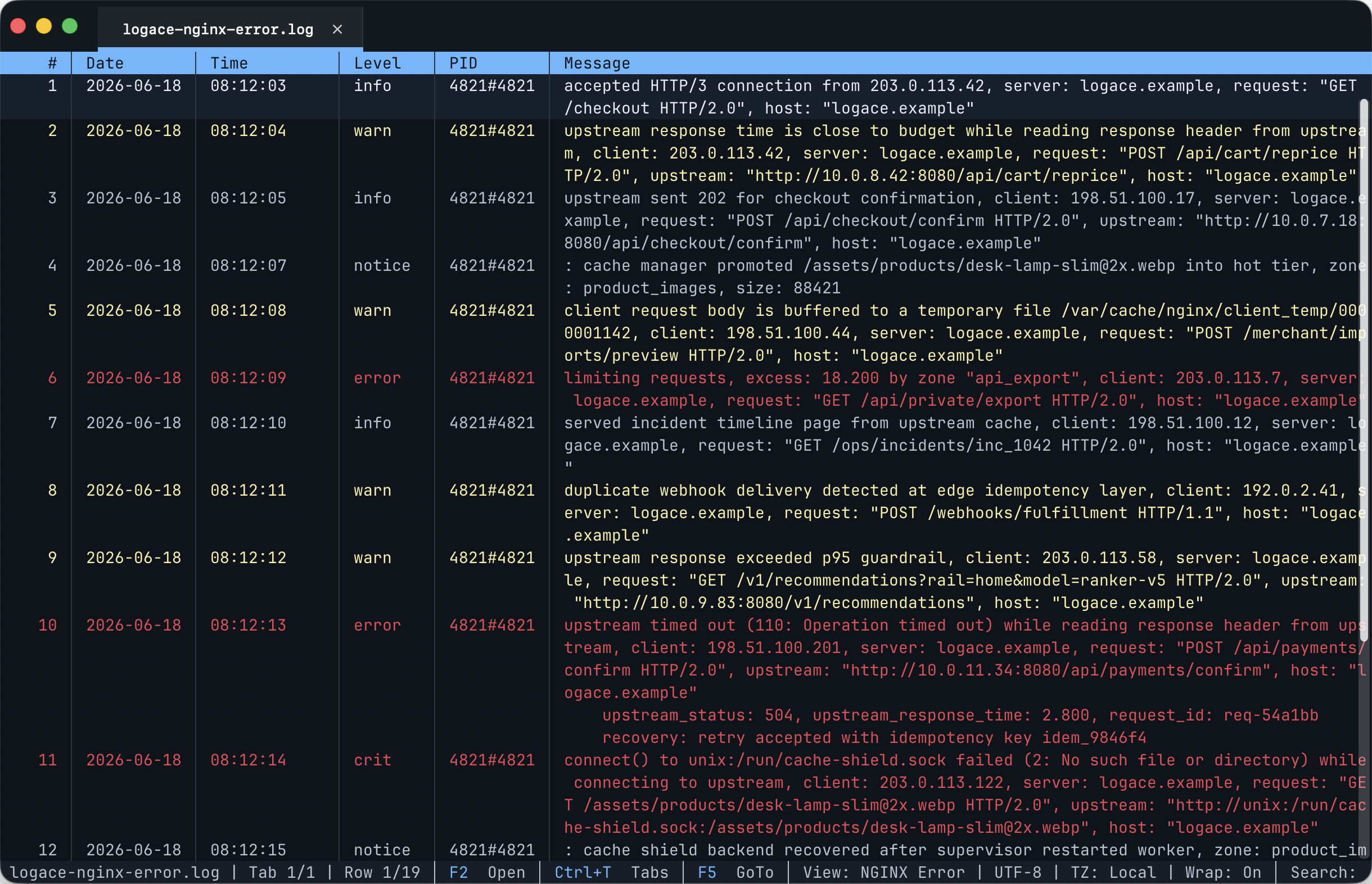
Every tab keeps its parser, filters, bookmarks, encoding, layout, and saved state. Close a log, reopen it, and pick up where you left off. When the built-ins are not enough, teach LogAce your format, add expression filters, and open query tabs instead of reshaping the log outside the tool.
Pick one with F8. Save your own with F5. Ad Hoc can be delimiter, regex, or fixed-width, with multiline grouping and dynamic virtual columns, then promoted into a reusable profile when a one-off format turns into a recurring problem.
{"ts":"14:23:01.482","lvl":"INFO",
"svc":"api","msg":"Started handler",
"trace_id":"b7c3…91a","status":200}
2026-05-20T14:23:01.482Z INFO scope=api 2026-05-20T14:23:01.611Z WARN retry 2 2026-05-20T14:23:02.001Z ERROR job 47291 failed
2026-05-20T12:15:00.044Z app /api/v2/users/482 2026-05-20T12:15:00.118Z envoy mTLS handshake ok 2026-05-20T12:15:00.331Z app /api/v2/orders 201
14:23:01.984 ERROR worker-pool-04
o.s.web.client.ResourceAccessException
Read timed out; SocketTimeoutException
10.0.4.12 - radek [20/May/2026:14:23:01 +0200] "POST /api/v2/orders HTTP/1.1" 201 4128 "https://logace.dev/" "Mozilla/5.0 …"
#Fields: date time s-ip cs-method cs-uri sc-status 2026-05-20 14:23:01 10.0.4.12 POST /api/v2/orders 201 2026-05-20 14:23:02 10.0.4.12 GET /healthz 200
2026/05/20 14:23:01 [error] 1284#0: *48217 upstream timed out (110: Connection timed out) while reading response header
<14>1 2026-05-20T14:23:01Z host-3 worker - - [exampleSDID@32473 iut="3"] backoff RemoteIp=10.0.4.12 PRI=14 Facility=user
Date Time Source Msg 2026-05-20 14:23:01.482 api.log Started… 2026-05-20 14:23:01.984 worker.log Job 47291… 2026-05-20 14:23:02.001 db.log pool empty
delimiter = "|" or regex = "\s+"
columns:
Timestamp | datetime=yyyy-MM-dd HH:mm:ss.fff
Status
Ip
UserAgent
Country | source=Ip | virtual=geoip-country
Class | source=Status
| virtual=http-status-class
Bot | source=UserAgent | virtual=ua-bot
Click the bottom status bar to open menus, switch tabs, select rows, and reach the same dialogs you use from shortcuts. When your hands are already on the keyboard, the same log workflow is still one key away.
The status bar works as a menu, rows can be selected directly, and common dialogs are reachable without memorizing keys first.
Navigation, source opening, tab switching, filters, query tabs, bookmarks, highlights, exports, and sessions all have keyboard paths.
LogAce.app adds the macOS entry points you expect: Finder launch, Dock launch, file associations, menu bar actions, and an installable logace CLI. The viewer, profiles, shortcuts, and sessions stay the same.
Open a log from Finder, drop one on the Dock icon, or bring back a recent source without changing how the viewer works.
A log opened from the app uses the same parser profiles and saved state as one opened from the terminal.
Install the bundled logace command, then open another file or pipe a stream into the current window when that is faster.
LogAce ships as direct downloads, not package-manager formulas. macOS can install the bundled logace CLI from the app; Linux and Windows run from extracted archives. Release 0.2.0 is linked below together with checksums.txt.
# install from the DMG Open LogAce-0.2.0-osx-arm64.dmg Drag LogAce.app to /Applications Launch it once from Finder or Dock # optional CLI wrapper from the app menu LogAce > Install Command Line Tool... logace /var/log/api.log # or open directly in the desktop app open -a LogAce --args /var/log/api.log
# portable archive tar -xzf logace-portable-0.2.0-linux-x64.tar.gz cd logace-portable-linux-x64 ./LogAce /var/log/nginx/access.log # systemd straight in journalctl -u nginx -f | ./LogAce # package builds sudo apt install ./logace_0.2.0-1_amd64.deb sudo rpm -i ./logace-0.2.0-1.x86_64.rpm
# unpack the archive Expand-Archive .\logace-cli-win-x64.zip . cd .\logace-cli-win-x64 # run the viewer .\LogAce.exe C:\logs\app.log # PowerShell pipe Get-Content -Wait app.log | .\LogAce.exe
logace /var/log/api.log logace /tmp/log-bundle.zip --archive-entry logs/api/current.log logace --ssh-file prod-api:/var/log/app.log --ssh-follow logace --ssh-journalctl-service prod-api:nginx.service --ssh-journalctl-follow logace --docker-container api --docker-follow logace --kubectl-pod web-7d6f --kubectl-follow logace --simctl-device booted --simctl-last 30m logace --syslog-port 5514
# into a running instance /usr/bin/log show --last 5m --info --style ndjson | logace kubectl logs deploy/api -f | logace stream api tail -f /var/log/foo.log | logace docker compose logs -f | logace journalctl -f | logace stream systemd
# macOS ~/Library/Application Support/LogAce/ ~/Library/Caches/LogAce/ ~/Library/Application Support/LogAce/file-sources/ # hashed .las mode # Linux $XDG_STATE_HOME/logace/ $XDG_CACHE_HOME/logace/ $XDG_STATE_HOME/logace/file-sources/ # hashed .las mode # Windows %LOCALAPPDATA%\LogAce\ %LOCALAPPDATA%\LogAce\State\file-sources\ # hashed .las mode